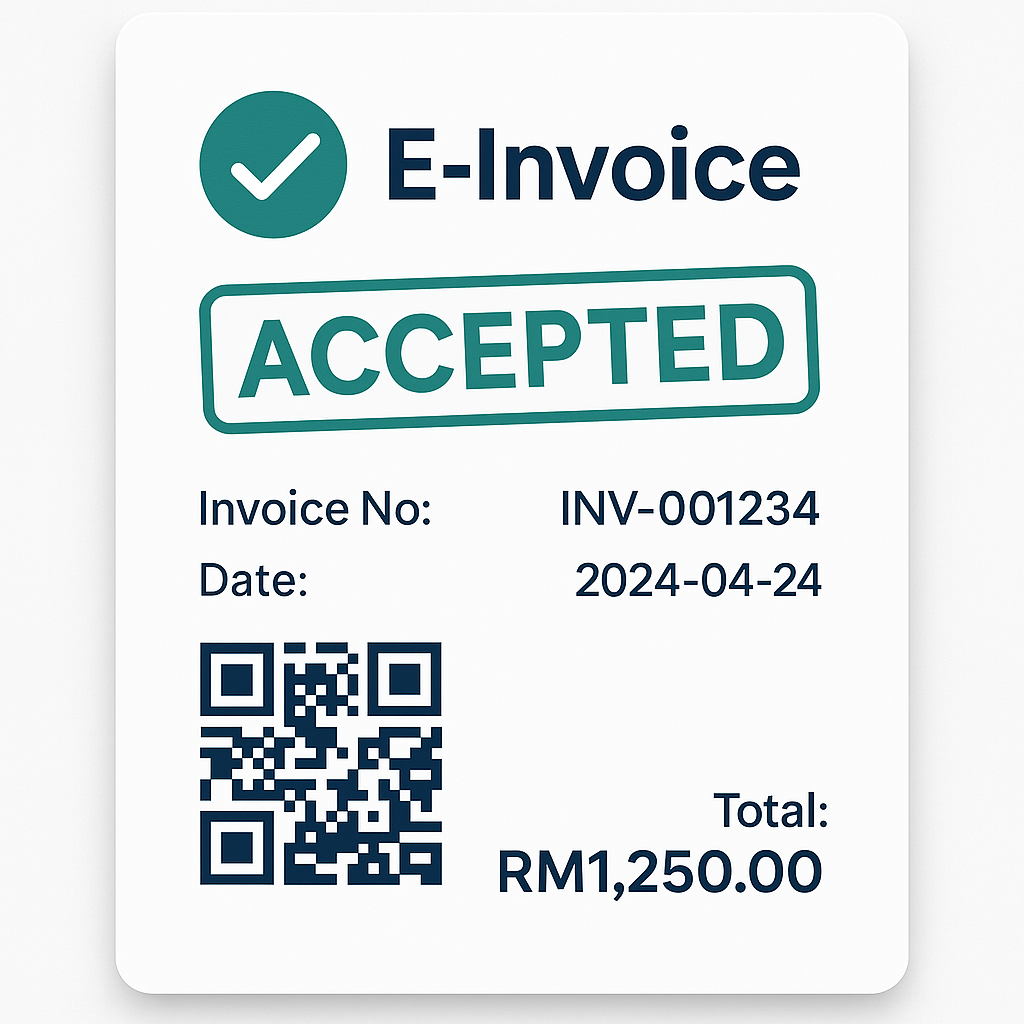
Simple e-Invoice Submission in Malaysia
Upload a receipt photo and AI fills the details for you.
Handle Purchase e-Invoice claims faster with auto-fill.
No separate certificate purchase required — get started instantly.
Developed and operated by BrandK.
Enter with convenient AI
Skip tedious typing. Start Self-Billed and Purchase e-Invoice with just a receipt photo.
Self-Billed AI Entry
Upload a purchase receipt and AI reads items, qty, and amounts to help you create Self-Billed invoices.
- Receipt photo → line items auto-filled
- Review totals & tax, then submit
- Cuts down manual keying time
Purchase e-Invoice
Upload Jaya, Village Grocer and more — we prepare the fields needed for the store portal.
- Photo → invoice no. & amount recognition
- Chrome extension fills the portal form
- Request support if your store is not listed yet
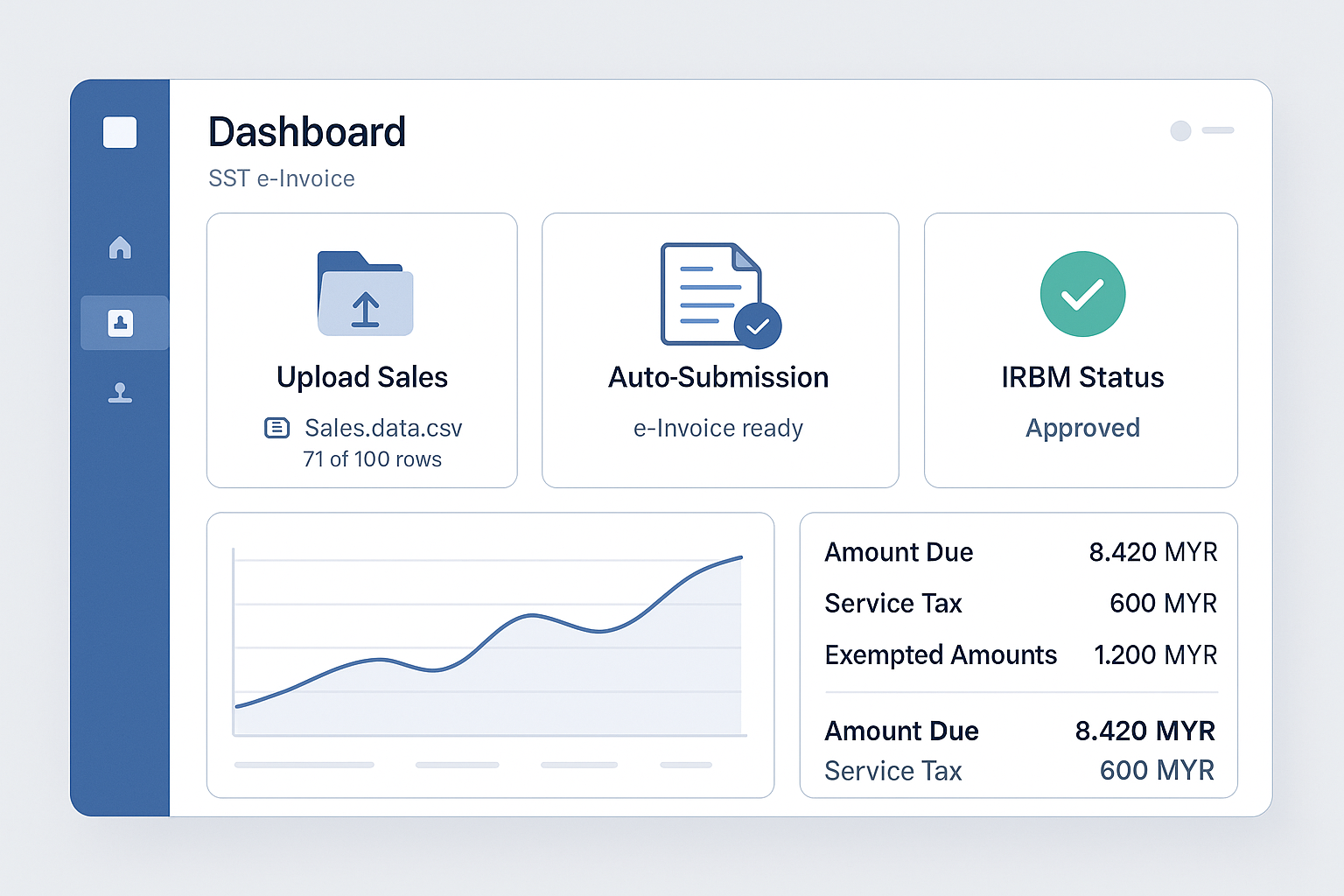
Easy Upload
Enter sales data via Excel or manual input.
Automated Processing
From invoice creation to IRBM submission, everything is handled automatically.
Real-Time Status
Check IRBM approval status instantly in the system.
No certificate purchase required.
Why did we build this service?
E-Invoicing is becoming mandatory for many businesses,
but hiring an accountant is too costly,
and doing it yourself is complex and difficult.
Having run a business myself, I know this pain point well.
That’s why I created this website with only practical features,
to help anyone submit e-invoices easily, affordably, and accurately.
From IRBM integration to multilingual support and automation —
we simplify complex procedures.
How can we help you?
Choose the service you need or schedule a consultation.
Request Consultatione-Invoice Submission
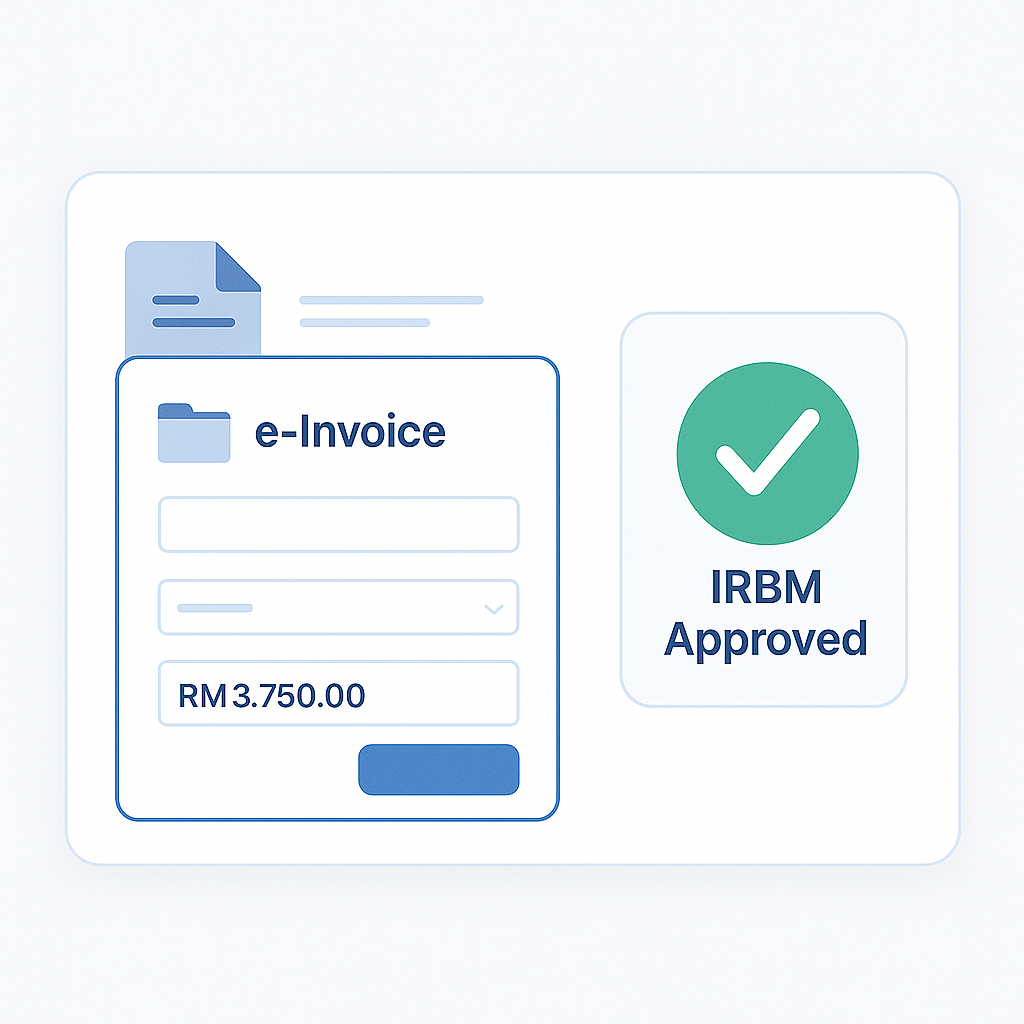
Supports creation and submission to IRBM.
Multilingual Support
Fully supports Korean, English, Chinese, and Malay.
Digital Signature Setup
We help you set up P12 certificates and integrate MyInvois API.
✅ Official IRBM Integrated System
Developed and operated by BrandK Marketing Sdn. Bhd.
Complete multilingual interface including Korean
📦 Pricing Plan
Flat monthly rate with unlimited usage
* For registered users only · Includes 1-on-1 support
View Pricing